
When investing in a large-format LED display, many buyers focus on brightness, pixel pitch, and budget — yet the 4:3 vs 16:9 aspect ratio decision determines how every piece of content will look on screen. Get it wrong, and you will be left with stretched images, black bars, or a screen that simply does not fit its environment. In this guide, Chainzone will deliver a practical, side-by-side breakdown so you can choose the right aspect ratio with confidence.
What Is Aspect Ratio in LED Displays?
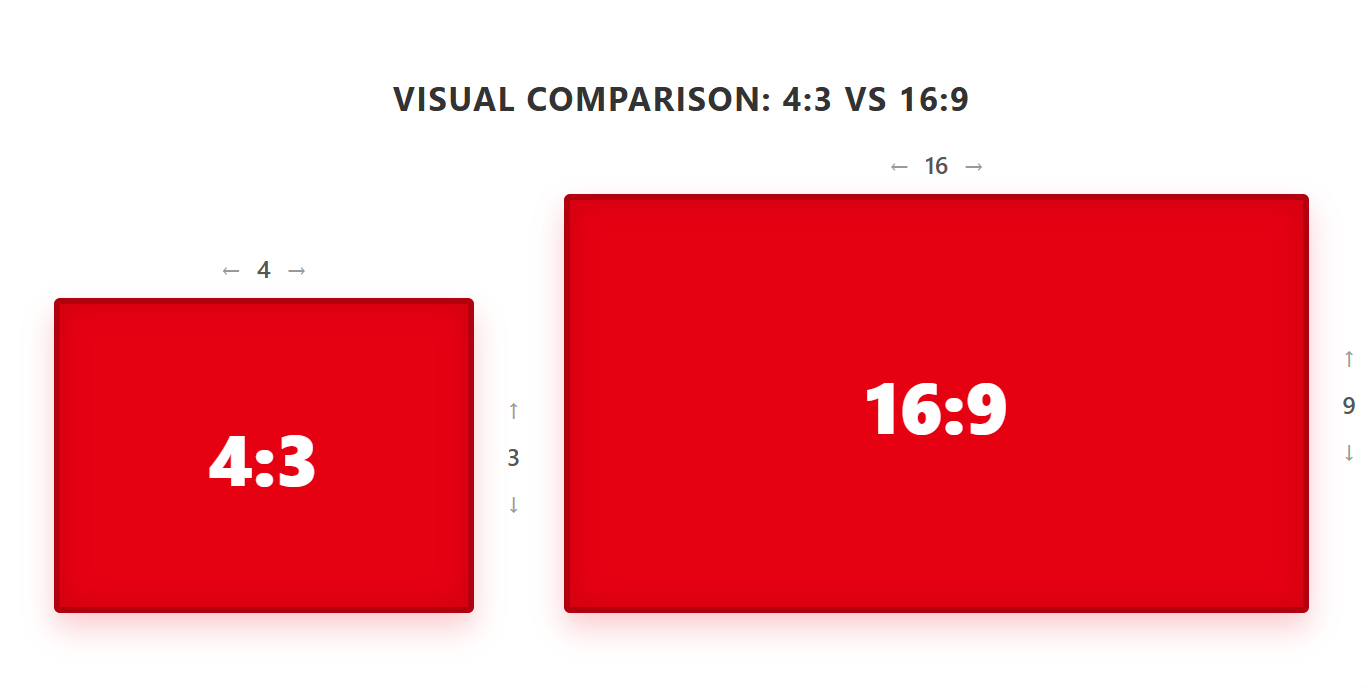
Aspect ratio is the proportional relationship between a display’s width and height, written as width: height (e.g., 4:3 or 16:9). A 4:3 display is closer to a square, while 16:9 is a wider rectangle.
For LED displays, aspect ratio affects three areas:
Image display: When the content ratio doesn’t match the screen, the image may stretch, crop, or show black bars. For example, a 16:9 video on a 4:3 screen creates top/bottom bars (letterboxing).
- Content compatibility: Most modern video, laptops, and broadcasts use 16:9. The 4:3 ratio remains useful for legacy presentations, older CCTV feeds, and control room interfaces.
- Viewer experience: A 16:9 display delivers an immersive, wide view—ideal for video-first applications. A 4:3 display offers more vertical space, helpful for data tables and multi-window monitoring.
Aspect ratio also determines hardware configuration:
- Cabinet modular design: 16:9 cabinets (e.g., 600×337.5mm) make it easier to form a 16:9 screen, enabling point-to-point video without software scaling. Square cabinets (e.g., 500×500mm) require exact row/column counts to achieve 16:9.
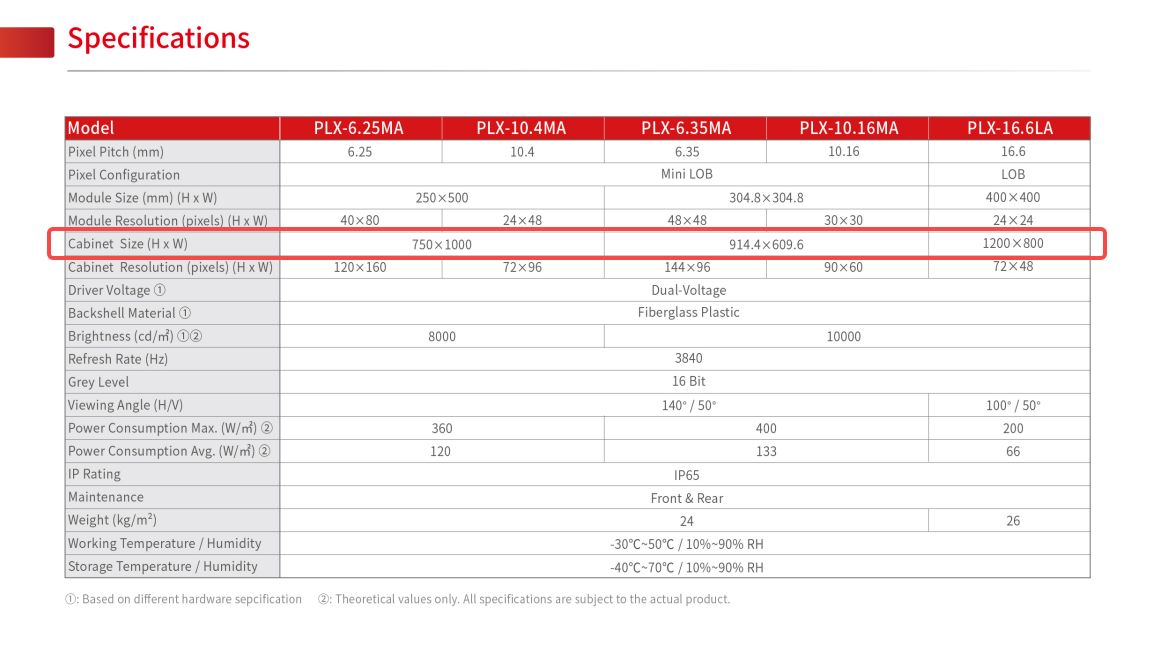
Picture shown: Chainzone Plus X LED display specs
- Pixel pitch integration: Pixel pitch (distance between LEDs)combines with screen size to determine resolution. Selecting the right pitch with the correct aspect ratio enables accurate resolution mapping, avoiding blur from over-scaling.
The table below shows common information about 4:3 and 16:9 aspect ratios in pixels.
| Aspect Ratio | Pixels (W × H) | Resolution Name |
|---|---|---|
| 4:3 | 640 × 480 | VGA |
| 800 × 600 | SVGA | |
| 1024 × 768 | XGA | |
| 1600 × 1200 | UXGA | |
| 2048 × 1536 | QXGA | |
| 16:9 | 1280 × 720 | 720p HD |
| 1920 × 1080 | 1080p Full HD | |
| 2560 × 1440 | QHD | |
| 3840 × 2160 | 4K UHD | |
| 7680 × 4320 | 8K UHD |
4:3 vs 16:9 Aspect Ratio: What Is 4:3 Aspect Ratio?
What 4:3 Aspect Ratio Looks Like
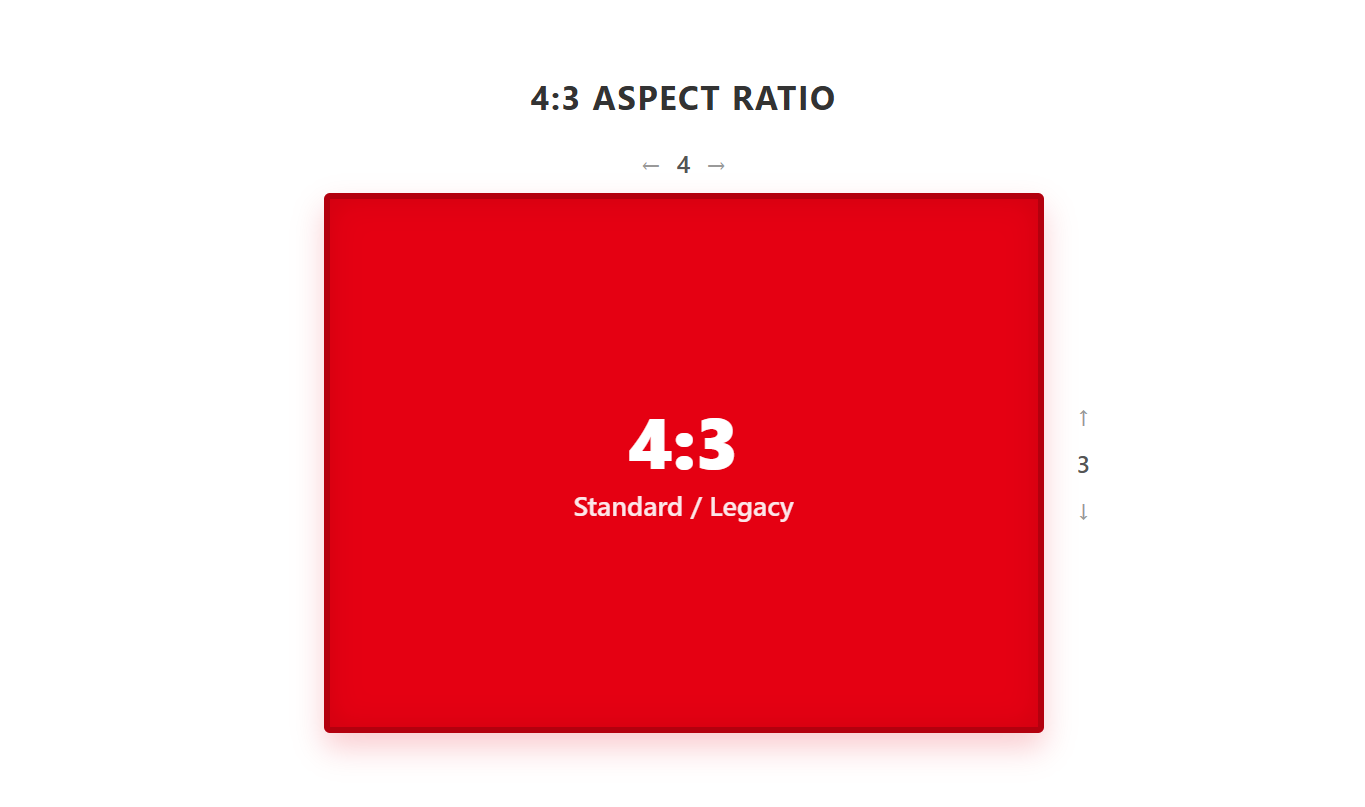
A near-square shape where width is 1.33 times height (1.33:1). Compared to modern widescreens, a 4:3 LED display appears noticeably taller.
Where 4:3 Excels
4:3 LED displays are best suited for applications where vertical space, legacy compatibility, or fixed installation dimensions matter more than widescreen video performance.
Common applications include:
- Control rooms and security monitoring (SCADA systems, dashboard-intensive interfaces)
- Legacy system retrofits (replacing old CRTs, medical equipment, or machine tool displays with fixed wall cutouts)
Key Advantages of 4:3 LED Displays
- Greater vertical display space: More rows of data, longer tables, and multiple surveillance camera feeds can be shown simultaneously with less scrolling.
- Legacy system compatibility: Older CCTV cameras, 4:3-native industrial software, and early presentation slide decks display natively without reformatting or UI distortion.
- Lower retrofit risk: Replacing existing 4:3 screens with a matching LED panel avoids structural modifications to walls or enclosures.
Limitations of 4:3 LED Displays
The main limitation is modern content compatibility. Most advertising videos, live streams, laptop outputs, and event media are now created in 16:9. When these assets are shown on a 4:3 LED display, buyers may face black bars, cropping, or image distortion.
4:3 also feels less immersive for commercial advertising, live events, and sports applications. For audiences expecting a cinematic or broadcast-style experience, 4:3 can appear outdated unless the project has a specific functional reason to use it.
4:3 vs 16:9 Aspect Ratio: What Is 16:9 Aspect Ratio?
What 16:9 Aspect Ratio Looks Like
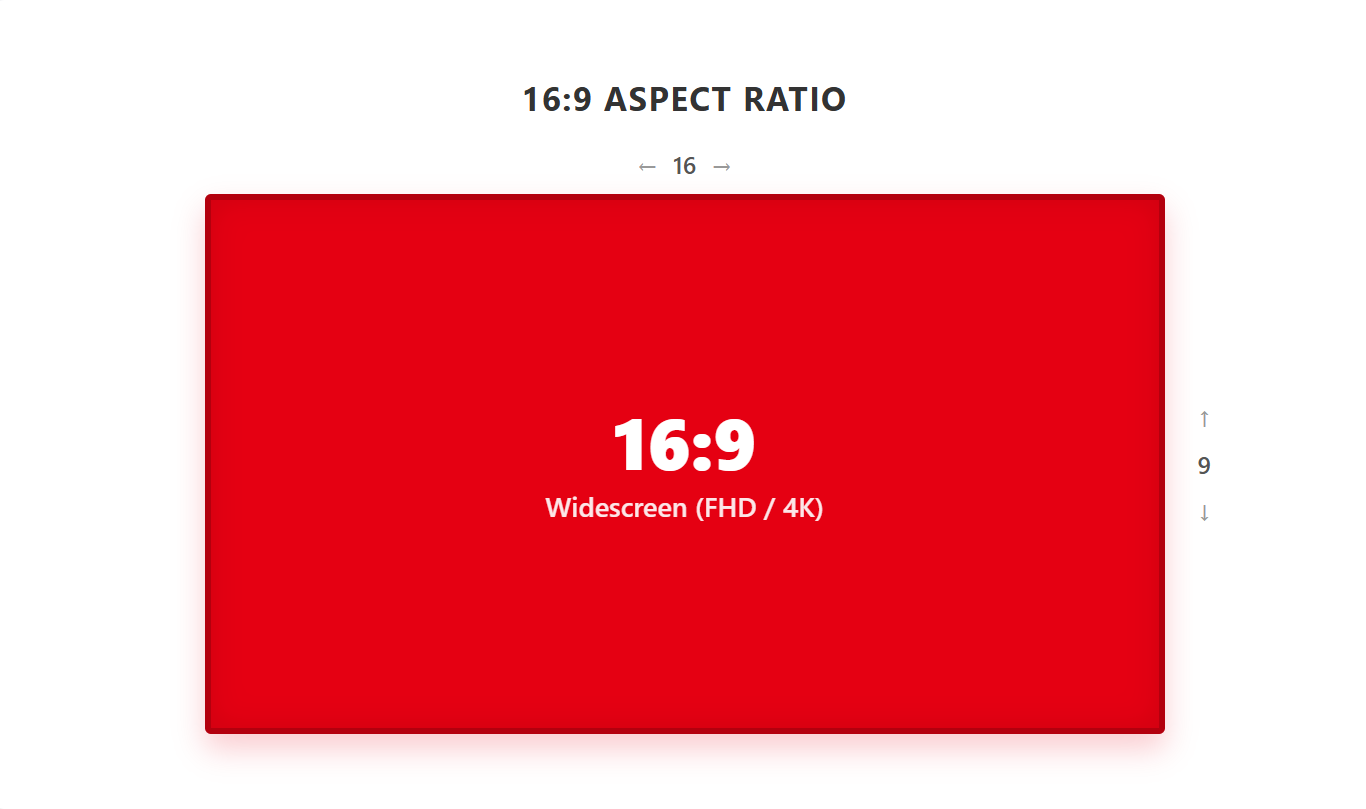
The classic widescreen format, where the width is approximately 1.78 times the height. It is wide but not extremely elongated like 21:9.
Where 16:9 Excels
16:9 is the preferred choice for most new LED display projects, especially when video quality and content compatibility are priorities.
Common applications include:
- Corporate meeting rooms and lecture halls (matches laptop outputs perfectly)
- Stage backgrounds, concerts, and sports scoreboards
- Retail digital signage and shopping mall brand videos
- Broadcast studios and houses of worship
Key Advantages of 16:9 LED Displays
- Universal modern content compatibility: Native support for all HD, 4K, and 8K content—full-screen, no black bars, no cropping.
- Native 16:9 cabinets simplify installation: Standard cabinets (e.g., 960×540mm, 640×360mm, or 610×343mm) ensure predictable scaling without complex video processing.
- Cost-effective & future-proof: Mature supply chains, lower long-term maintenance costs, and seamless upgrades to 4K/8K.
- Human-centric immersion: Matches natural binocular horizontal field of view, reducing eye fatigue.
Limitations of 16:9 LED Displays
16:9 is not ideal for every environment. If the installation area is narrow, vertical, or limited by an old structure, a wide screen may not fit efficiently. It is also less suitable for vertical social media content, such as 9:16 short videos, unless the content is reformatted.
In data-heavy environments, 16:9 may not provide enough vertical height for certain dashboards. For projects that require multiple stacked data windows, other ratios such as 16:10, 21:9, or custom configurations may perform better.
4:3 vs 16:9 Aspect Ratio Comparison
| Factor | 4:3 LED Display | 16:9 LED Display |
|---|---|---|
| Visual Shape | Near-Square (1.33:1) | Classic Widescreen (1.78:1) |
| Screen Space | More Vertical, Less Horizontal | More Horizontal, Less Vertical |
| Common Pixel Examples | 1024 × 768, 1600 × 1200, 2048 × 1536 | 1920 × 1080, 3840 × 2160, 7680 × 4320 |
| Content Compatibility | Poor With Modern Video (Letterboxing/Cropping Required) | Excellent for HD, 4K, 8K, Broadcast, and Streaming |
| Viewer Experience | Focused, Functional, Data-Oriented | Immersive, Cinematic, Audience-Friendly |
| Installation Fit | Useful for Retrofit or Constrained Spaces | Best for Modern Wide Display Areas |
| Best Project Type | Control Rooms, Industrial Systems, Legacy Upgrades | DOOH, Stadiums, Retail, Events, Corporate Displays |
4:3 vs 16:9 Aspect Ratio: How to Choose
1. What Type of Content Will You Display?
- Video-first (advertising, live events, broadcast): Choose 16:9.
- Data-heavy (control rooms, instrumentation, text-heavy slides): Consider 4:3 for vertical density.
2. Where Will the Display Be Installed?
- Spacious modern venues (lobbies, stadiums, retail): 16:9 fits naturally and impresses.
- Space-constrained or legacy retrofits (existing wall cutouts, narrow corridors): 4:3 may be the only practical choice.
3. Who Is Your Audience?
- Widely distributed crowds (concerts, airports, sports): 16:9 serves horizontal sightlines best.
- Fixed-position operators (control room staff, machine operators): 4:3 reduces head movement forintensive data interaction.
4. What Is Your Content Source?
- Modern devices (laptops, media servers, streaming, HD cameras): Nearly all default to 16:9—use 16:9 for plug-and-play.
- Legacy equipment (old CCTV, industrial HMI systems, legacy PPT): 4:3 provides native compatibility without UI distortion.
5. Future-Proofing & Content Flexibility
For most new projects, 16:9 offers better future-proofing. It aligns with HD, 4K, and 8K content standards and is easier to support over time.
4:3 should be selected when there is a clear reason: legacy compatibility, fixed physical space, or data-heavy display needs. Otherwise, it may limit future content flexibility.
Other LED Display Aspect Ratios, Sizes, and Applications
Although 4:3 and 16:9 are common choices, they are not the only options for LED projects.
1. 16:10 Aspect Ratio
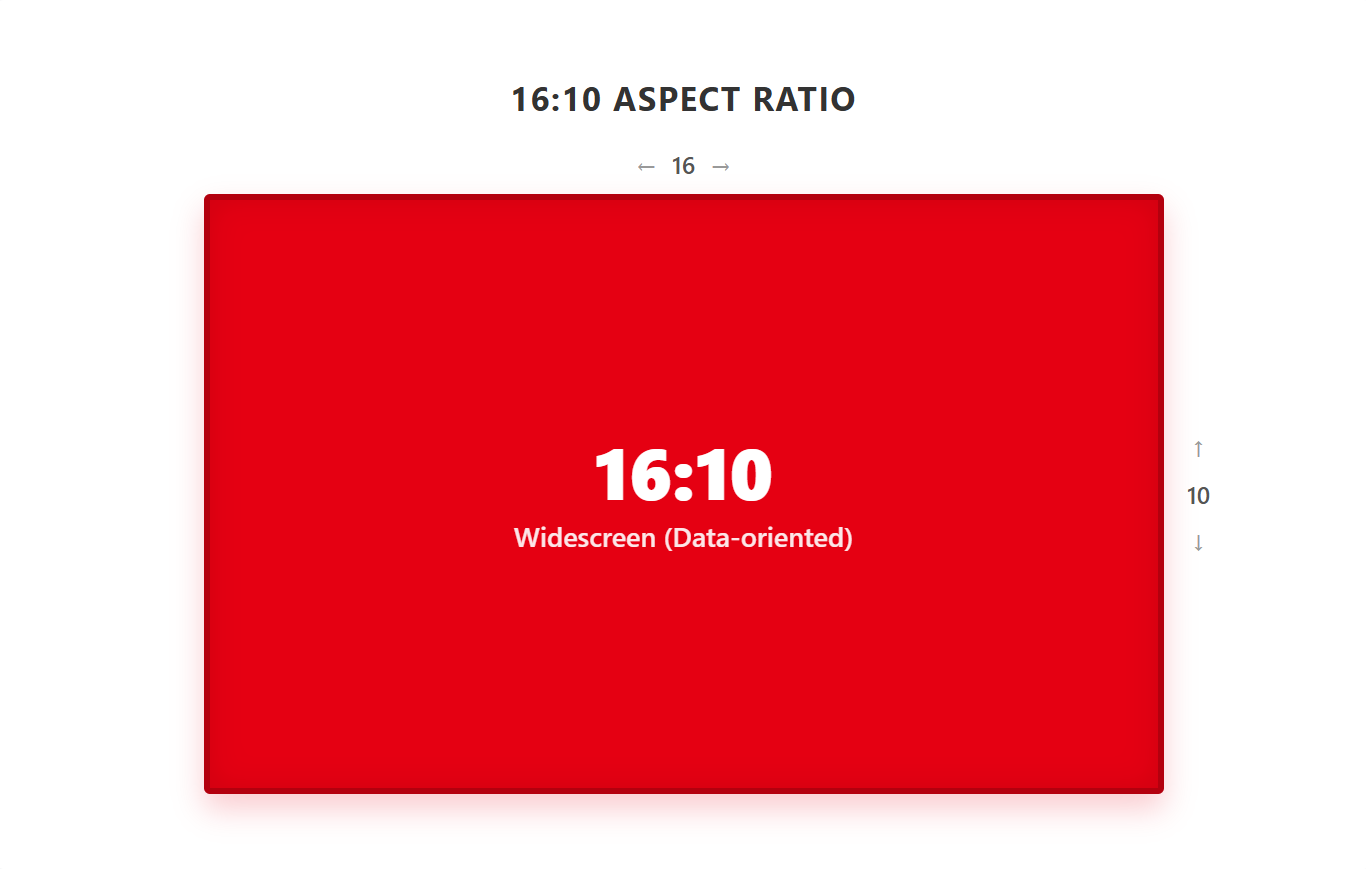
16:10 is slightly taller than 16:9. It is useful for meeting rooms, education, workstations, and control rooms where users need extra vertical space for documents, charts, or dashboards.
2. 21:9 Aspect Ratio
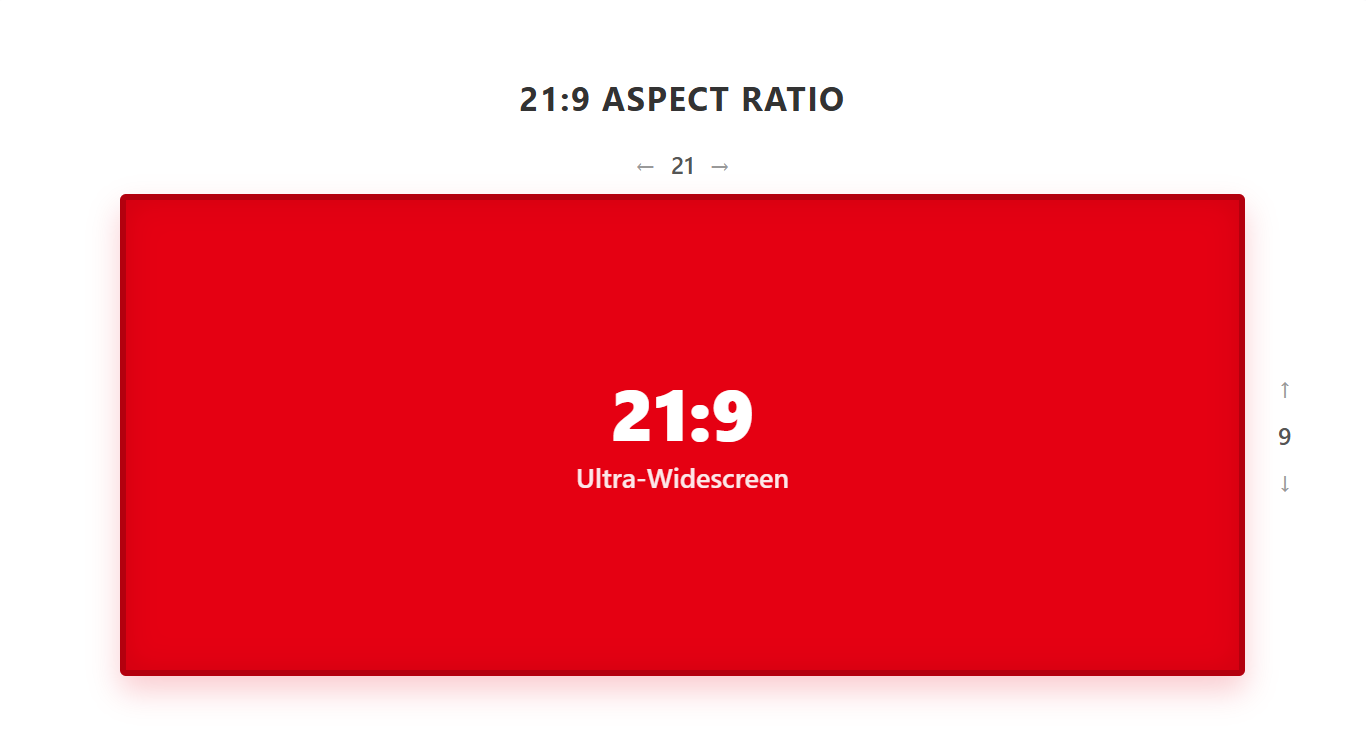
21:9 is an ultrawide format often used for cinematic experiences, immersive lobbies, premium brand spaces, and panoramic visualization walls. It works well when content is custom-made for the screen.
3. 32:9 Aspect Ratio
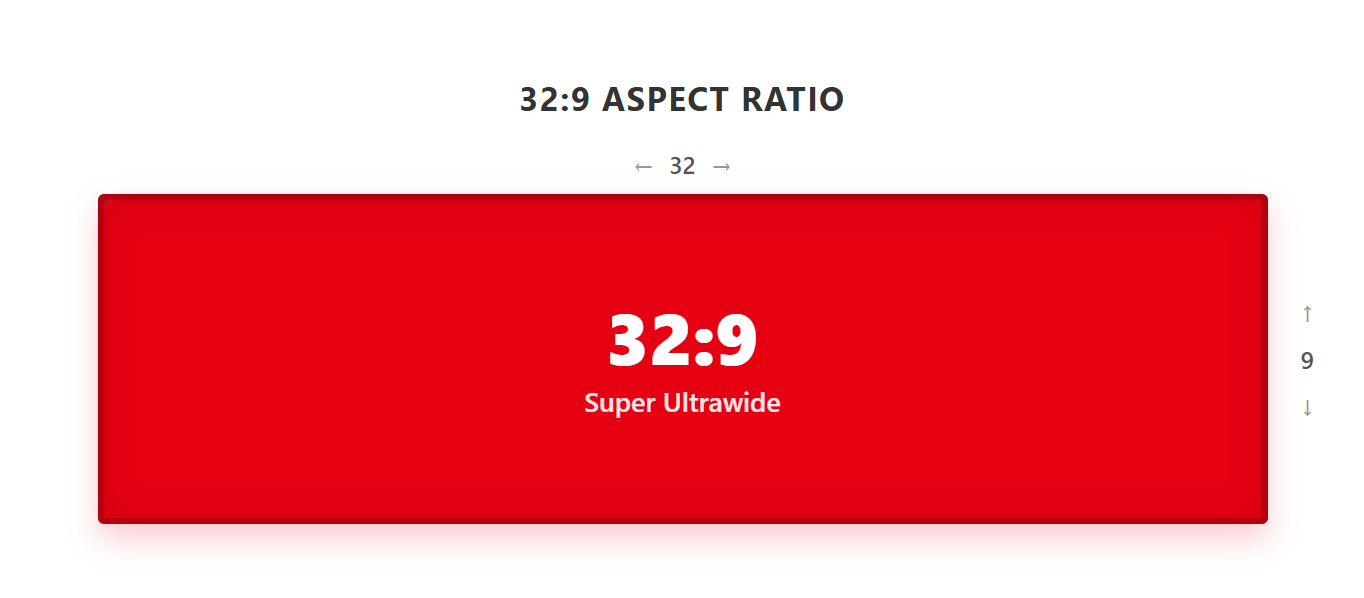
32:9 is a super ultrawide format, similar to placing two 16:9 screens side by side. It is suitable for stadium ribbon boards, retail fascia displays, trading floors, transport hubs, and control rooms requiring multiple information zones.
4. 1:1 Aspect Ratio
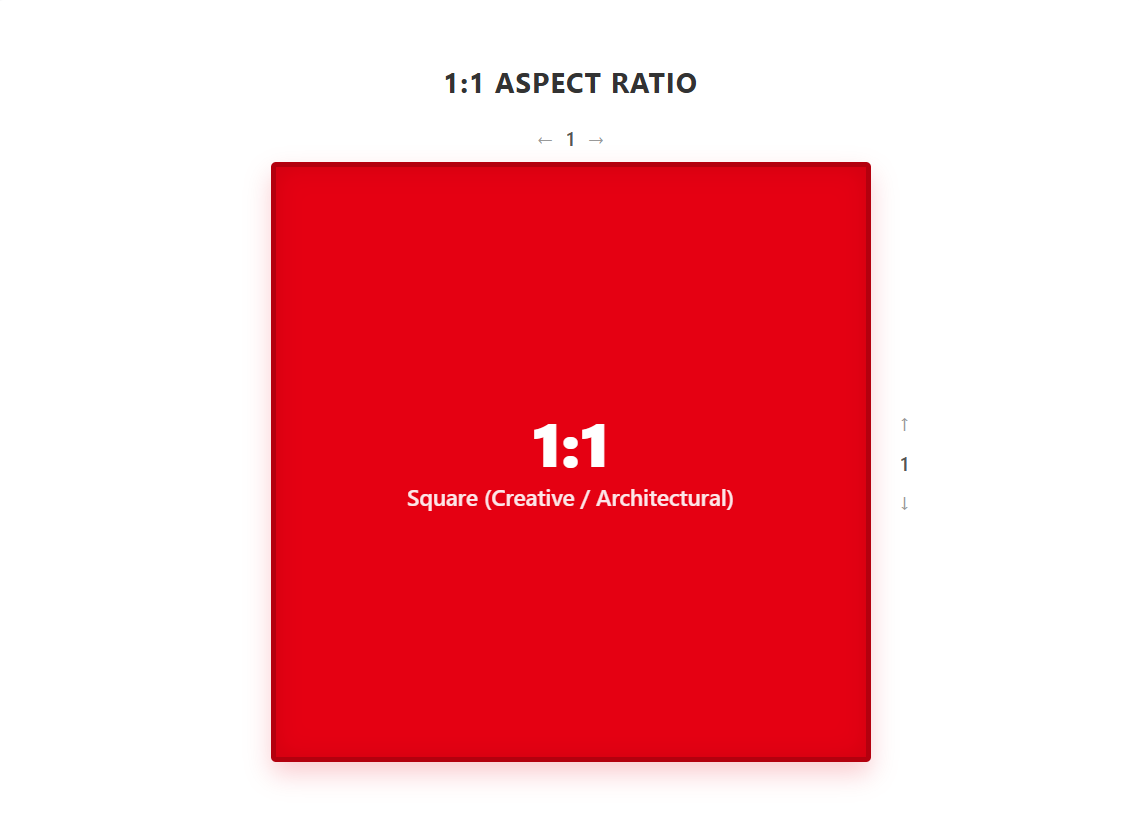
1:1 is a square format commonly used for creative retail installations, art displays, social-media-style visuals, and architectural spaces where symmetry is important.
For a deeper dive on calculating the right physical size and pixel pitch for your specific viewing distance, refer to the Ultimate LED Display Size Guide for Buyers.
Why Choose Chainzone for Your LED Display Project?
Selecting the correct aspect ratio is only the first step. You also need a manufacturer that delivers precision, reliability, and expert guidance. Chainzone has over 25 years of manufacturing excellence, with installations in more than 120 countries and landmark projects including the Hong Kong-Zhuhai-Macao Bridge.
Chainzone offers:
- Expert selection advice: Chainzone’s technical team helps you match aspect ratio, pixel pitch, and cabinet configuration to your exact architectural and content requirements.
- Global support: 24/7 assistance, worldwide spare parts logistics, and longlifecycle service.
Whether your project demands native 16:9 cabinets for a seamless 4K video wall or a custom 4:3 solution for a legacy control room, Chainzone delivers displays that balance visual performance, energy efficiency, and long-term reliability.
Ready to specify the right LED display for your next project? Contact Chainzone for a consultation or request detailed product specifications tailored to your application!


